Connect the channels you already use
- 01
Create a Serva account and workspace, then open channels and integrations.
- 02
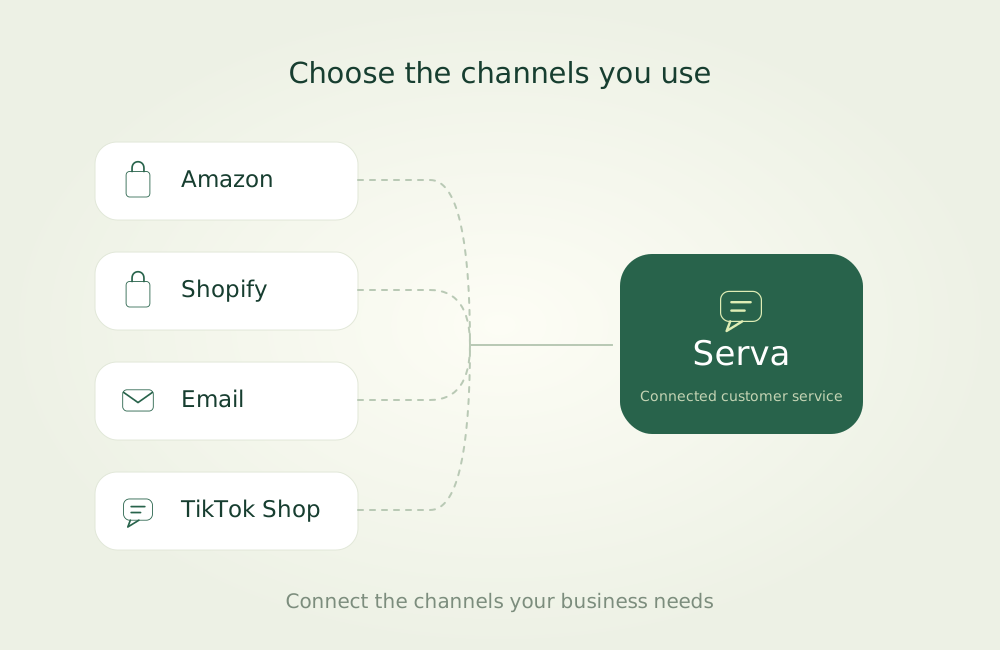
Choose Amazon, Shopify, email, TikTok Shop, your website or another channel to match your business. Start with one if you prefer.
- 03
Follow the selected channel’s authorization or configuration steps. Setup methods and available data vary by channel.
- 04
Check the connection and synced data, configure the services you need, then connect more channels when ready.
Follow the setup instructions for your selected channel.
 ← Back to help center